第一次登入
第一次使用要先用公司信箱設定密碼,之後就用這組密碼登入。
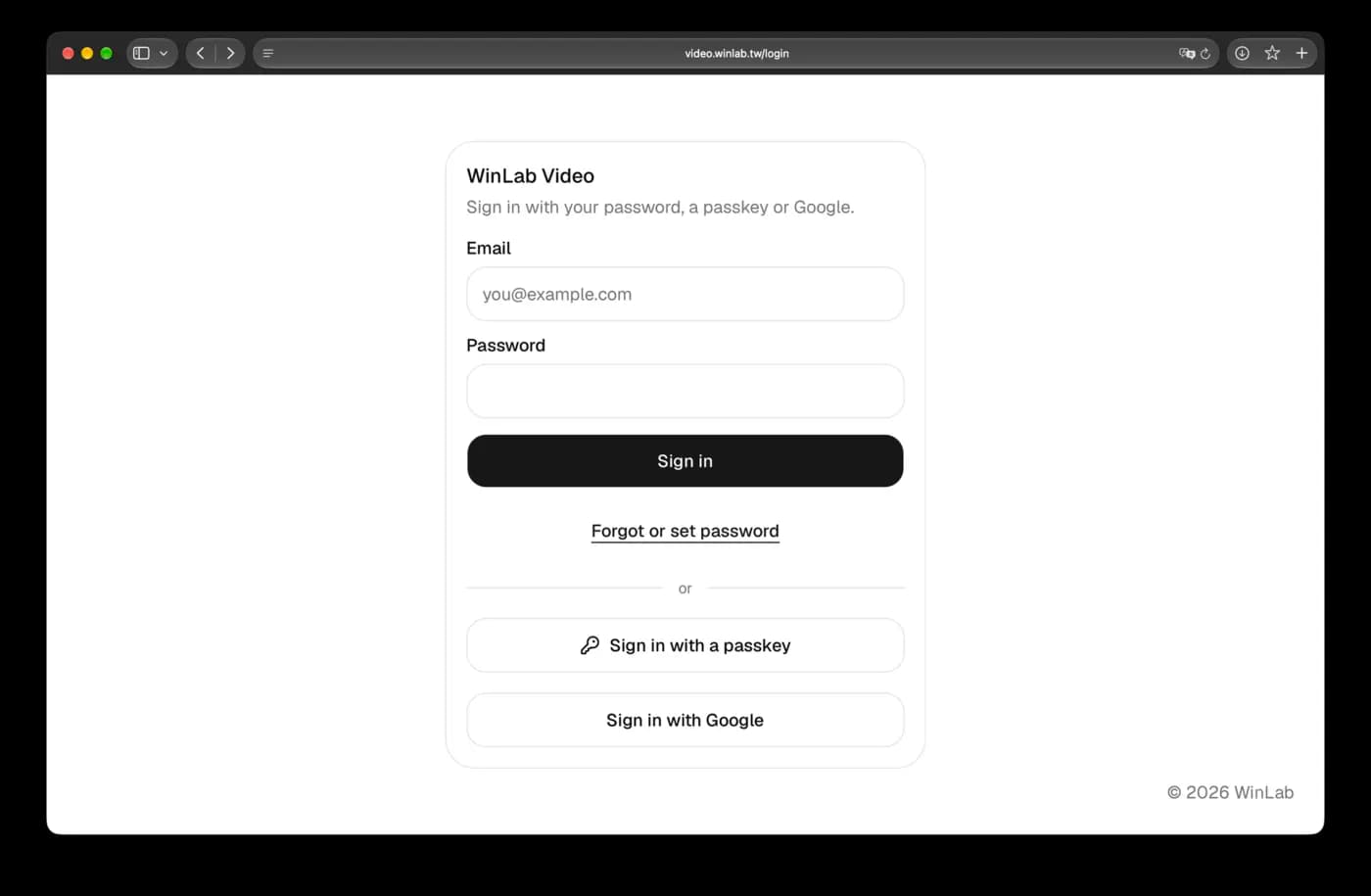
1. 按 Forgot or set password
打開 video.winlab.tw,登入畫面下方有 Forgot or set password,按下去。
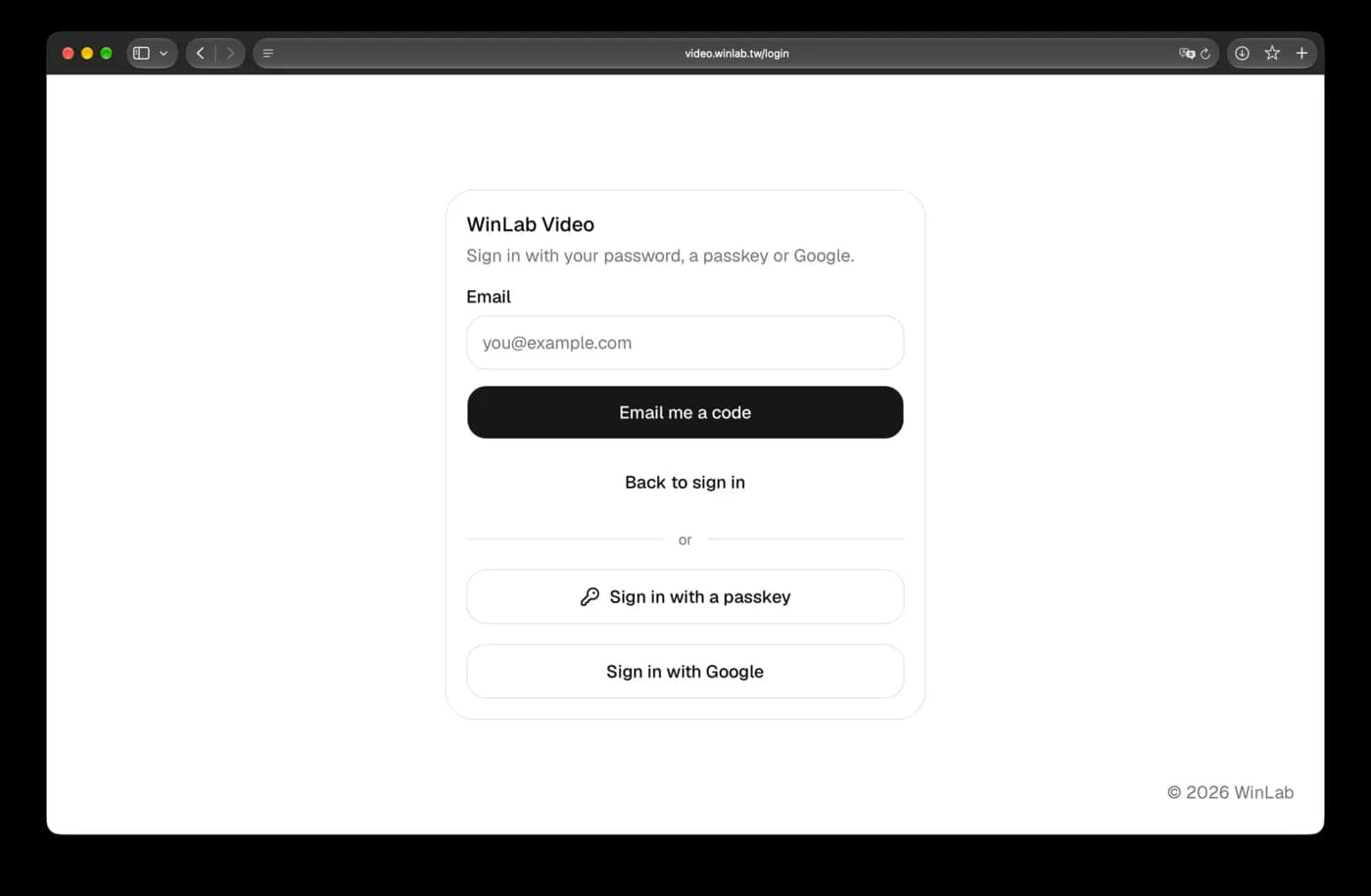
2. 填公司信箱,按 Email me a code
Email 欄填你的公司信箱,按 Email me a code。
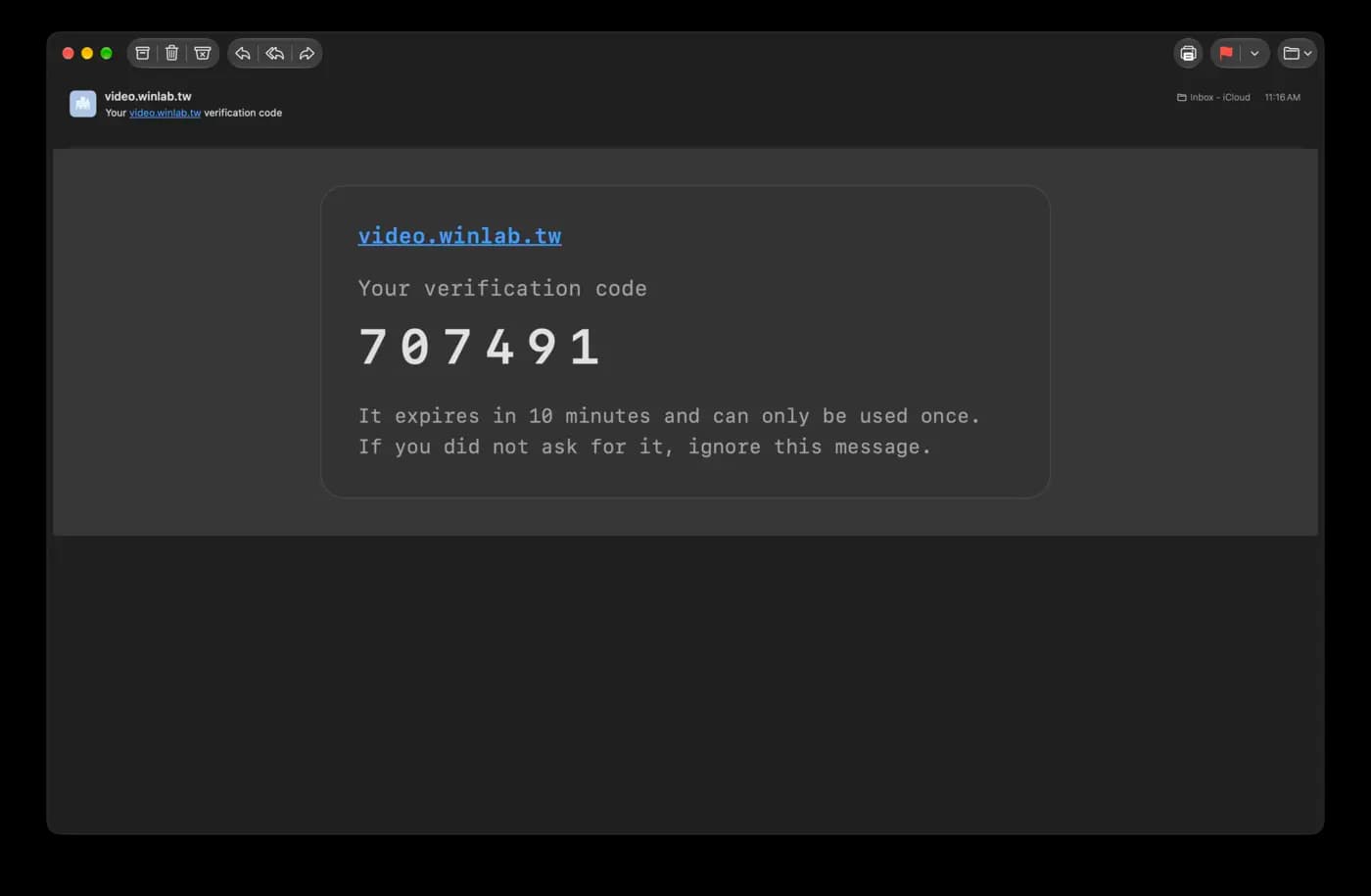
3. 到信箱拿驗證碼
收一封 video.winlab.tw 寄來的信,裡面有 6 位數驗證碼。驗證碼 10 分鐘內有效,只能用一次。
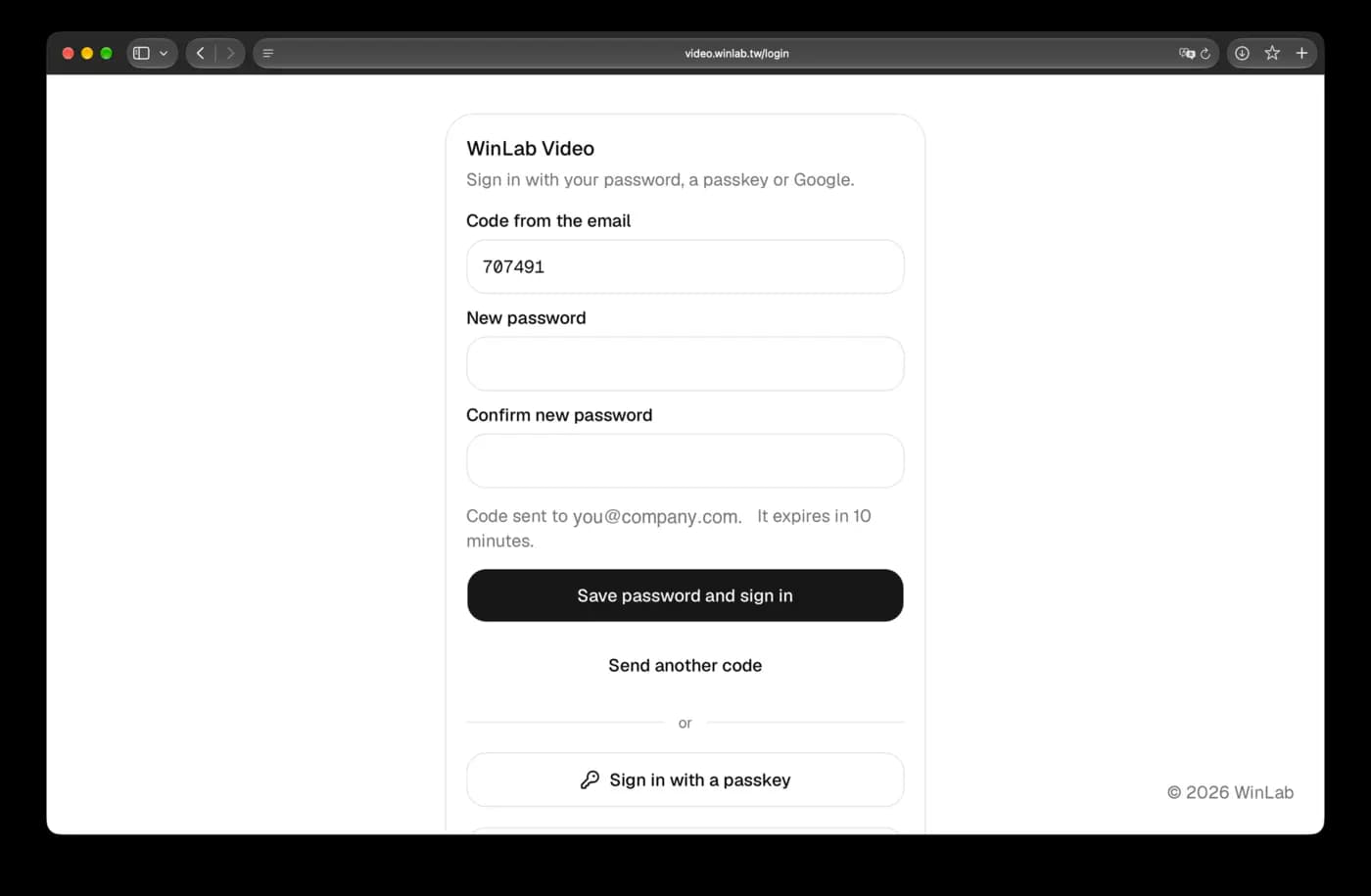
4. 填驗證碼並設定密碼
回到網頁,填入驗證碼,新密碼填兩次,按 Save password and sign in。
5. 之後直接用密碼登入
下次打開網站,Email 填公司信箱,Password 填剛設定的密碼,按 Sign in。
收不到信
- 先看垃圾郵件匣。
- 畫面出現 not on the allow list,代表信箱還沒開通,請聯絡管理員。
- 驗證碼過期就按 Send another code 重寄。